Aesthetic Desk Setup Ideas for Productivity: The Ultimate Guide
Creating an effective workspace requires a careful balance between visual design and physical functionality. When exploring aesthetic desk setup ideas for productivity, the ultimate goal is to eliminate visual friction so you can focus entirely on deep work. A cluttered desk leads to a cluttered mind, whereas a streamlined, beautifully illuminated desk setup fosters focus, reduces stress, and boosts daily output.
Principles of an Aesthetic and Productive Workspace
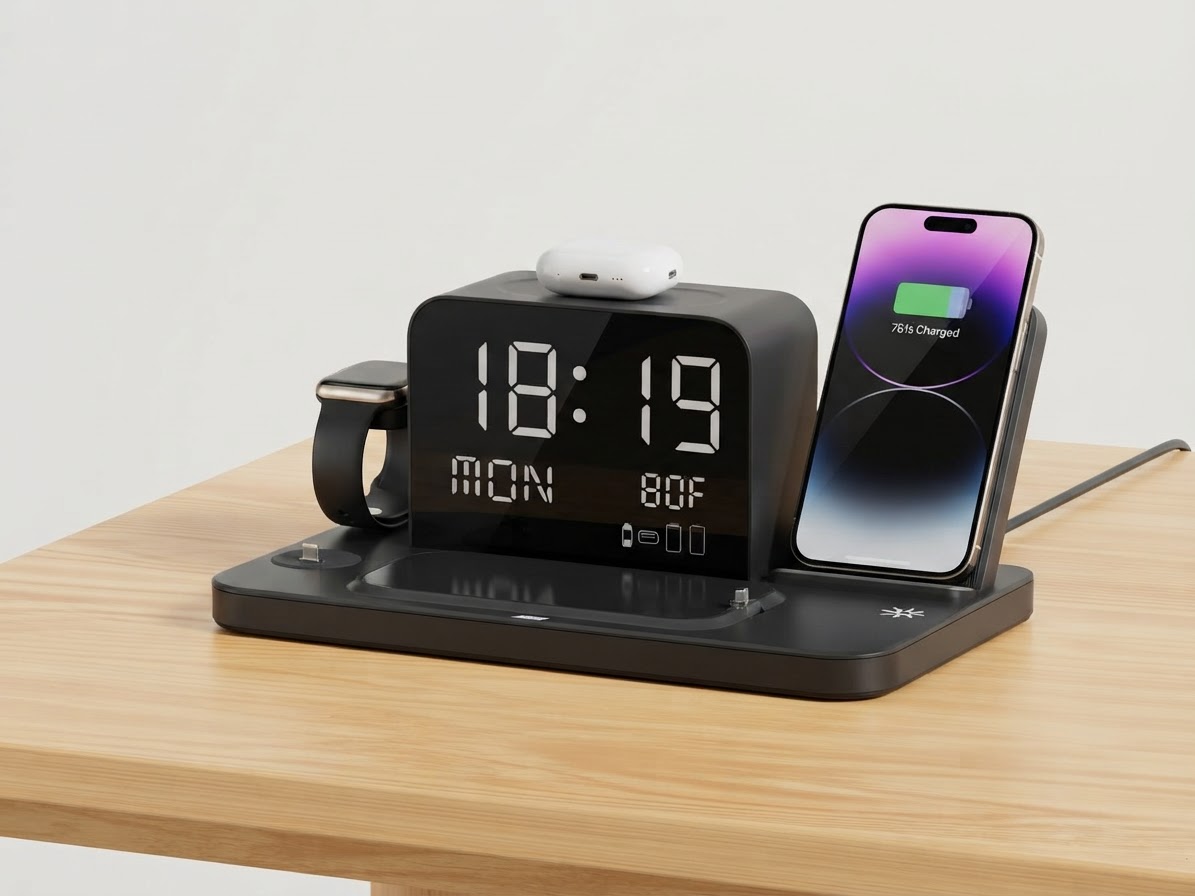
To craft a functional environment, start by evaluating your desk surface material—whether you use Wood, Glass, or Plastic. Pairing your desk with a high-quality PU Leather desk mat creates an inviting tactile foundation. Beyond materials, symmetry and minimal visual noise are essential. Restrict desk items to those that serve daily operational needs, such as a sturdy monitor stand like the estimated [monitor stand model] and an all-in-one charging station.
Taming Cable Clutter with Multi-Device Docks

Cable clutter is the single biggest threat to a clean workstation aesthetic. Running multiple individual chargers across your desk creates tangled wires and consumes valuable outlet space. Adopting a centralized charging solution changes everything.
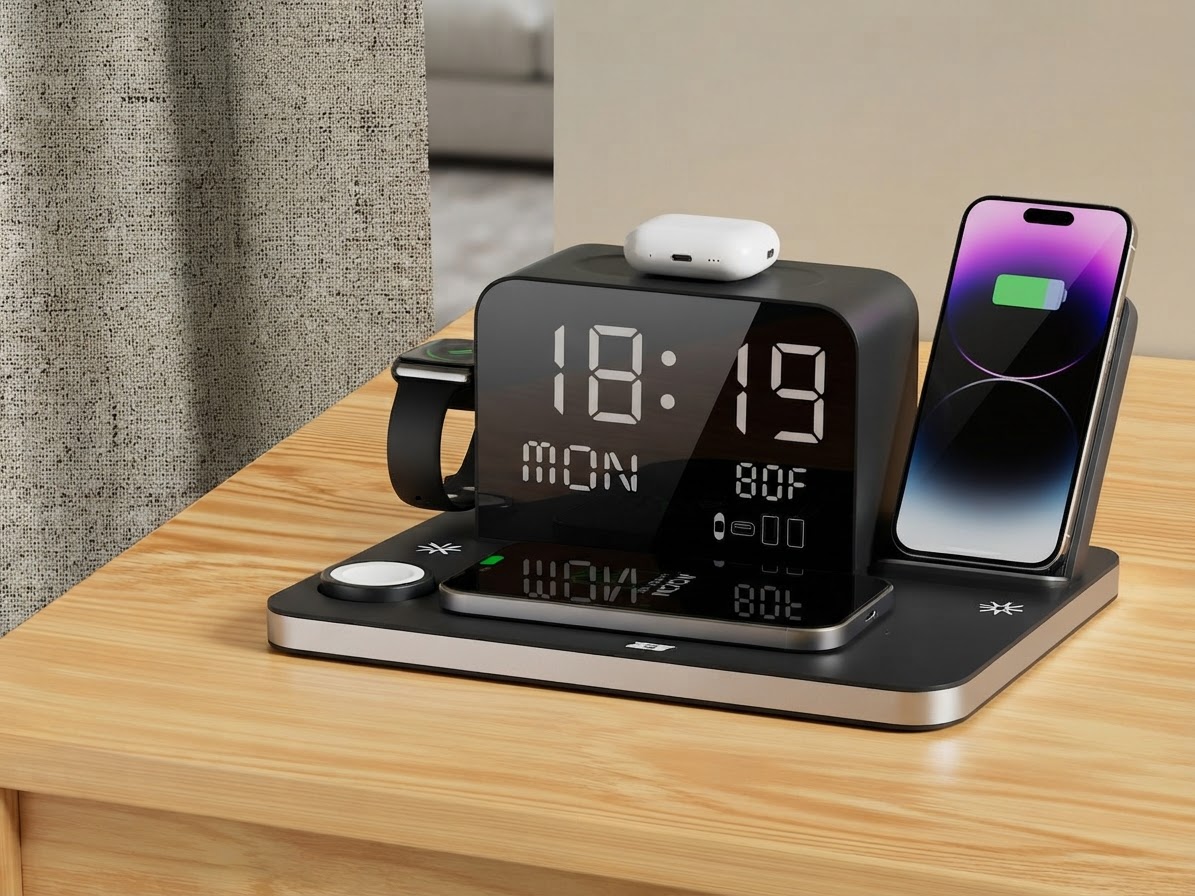
Using a multi-device hub like the ChargeDock Plus allows you to power up to seven devices simultaneously. Featuring a compact dock width of 8.5 inches and a lightweight product weight of 350g, it keeps your surface organized without taking up significant real estate. With dual phone wireless charging, dedicated smartwatch wireless charging, and wireless earbuds charging, you can keep all your personal tech ready to go without a single visible mess of cords.
Lighting and Mood: Using Warm Ambient Light
Lighting plays a vital role in setting the tone for productive sessions. Bright overhead lighting often causes glare and eye strain. Incorporating soft accent lighting introduces warmth and depth to your setup. The built-in ambient light on the ChargeDock Plus features an LED color temperature of Warm White (2700K - 3000K), creating a cozy visual environment during late-night study or coding sessions.Time and Temperature Monitoring for Workplace Ergonomics
Staying productive requires physical comfort and awareness of time. Integrating an unobtrusive clear digital clock display keeps you on schedule at a glance without needing to check your phone—a primary source of distraction. Furthermore, a built-in temperature display helps you monitor room comfort in real time, ensuring your home office stays in an optimal thermal environment for sustained concentration.Integrating the ChargeDock Plus into Your Setup
When selecting desk accessories, choose multi-functional devices that maximize utility while minimizing footprints. The ChargeDock Plus operates via a Corded Electric power source type with input voltage options of 9V / 12V. It delivers flexible charging wattage from 15W - 30W to handle fast wireless power safely across your devices. For devices requiring a physical connection, an extra wired charging port with a port amperage of 2.4A ensures quick power delivery, while a cable wrap length of 3.3 feet helps tuck excess cord neatly out of sight. Backed by a [warranty period] not specified, it stands as an essential component for any modern, aesthetic workspace.
Related in this cluster
- How to Build a Clean Minimalist Desk Setup in 5 Simple Steps
- Why All-in-One Wireless Charging Stations Upgrade Desk Aesthetics
- Single Wireless Chargers vs Multi-Device Charging Docks
- Eliminate Nightstand and Desk Cable Clutter Once and for All
- ChargeDock Plus Review: The Ultimate 7-in-1 Workspace Charger
- ChargeDock Plus Setup & Specs FAQ