How to Declutter Your Nightstand Charger Cables: The Ultimate Guide
The Nightstand Cable Problem: Why Bedside Clutter Affects Your Sleep
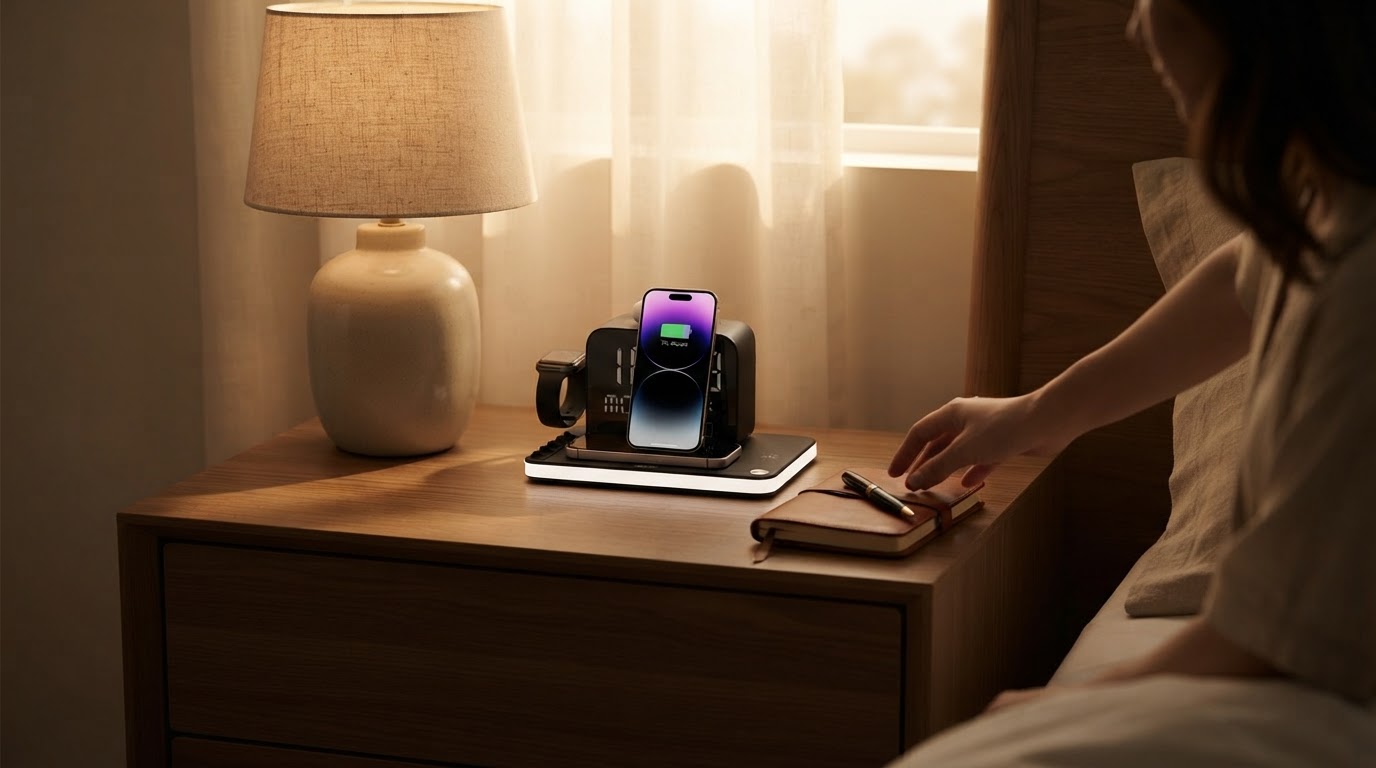
A cluttered nightstand is more than just a visual annoyance; it can actively disrupt your evening routine and create unnecessary friction before sleep. Most modern bedrooms host multiple devices each night: smartphones, smartwatches, wireless earbuds, and secondary devices like tablets or e-readers. When every device requires its own charging brick and cord, your bedside table quickly turns into a tangled web of plastic wires hanging off the edge.
Disorganized cables frequently drop behind furniture, requiring tedious retrieving in the dark. Furthermore, tangled cords create potential tripping hazards and wear out faster due to constant bending and strain. Streamlining your nightstand charging setup eliminates visual stress, reclaims valuable surface space, and ensures all your primary tech is powered and ready by morning.
Auditing Your Bedside Tech and Power Needs
Before purchasing organization accessories or replacing cords, take inventory of what actually needs to be on your nightstand overnight. Count your daily driver devices:
- How many smartphones need overnight power?
- Do you wear a smartwatch that requires daily charging?
- Do your wireless earbuds need a dedicated spot?
- Do you require a secondary plug for an e-reader or extra device?
Traditional Cable Management vs. All-in-One Charging Stations
There are two main routes when learning how to declutter nightstand charger cables: managing individual cords or replacing them entirely with a consolidated wireless hub.
Traditional Cable Accessories
- Cable clips and weight bases: Hold individual cords on the edge of the nightstand so they do not fall.
- Sleeves and loom tubing: Group multiple cords into one thicker tube.
- Under-desk cable trays: Hide excess wire slacks under or behind furniture.
Multi-Device Wireless Charging Hubs
- Single wall plug operation: Power up to seven functions using a single main cable.
- Wireless pads: Eliminate plugging and unplugging daily wear-and-tear.
- Built-in utilities: Combine time displays, ambient lighting, and environmental sensors into a single footprint.
How to Transition to a Multi-Device Charging Station
Transitioning to a central charging station requires a quick three-step process:
Integrating Clock, Lighting, and Environment Monitoring
A truly decluttered bedside table goes beyond cable organization; it consolidates table space. Instead of housing a separate alarm clock, a bedside lamp, and a room thermostat alongside your charging cords, select a hub that integrates these features into its housing.
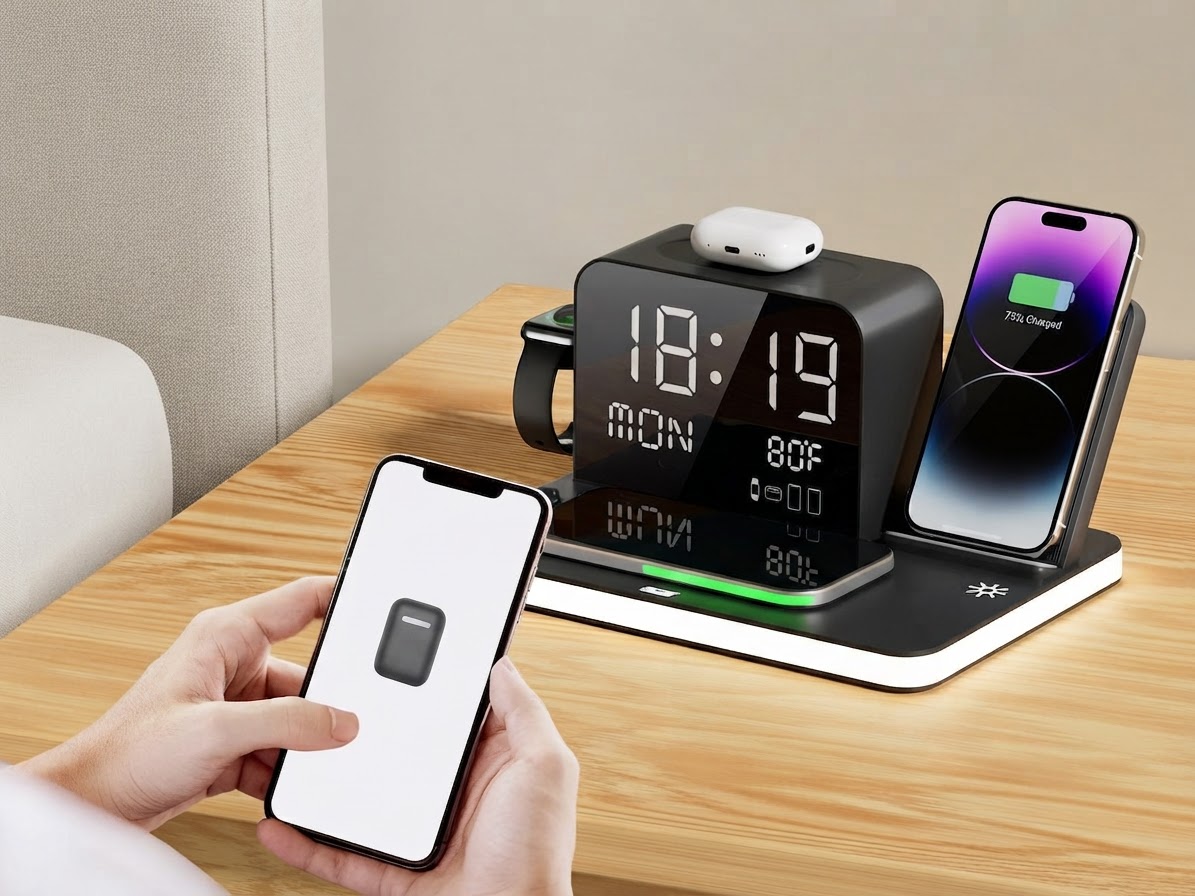
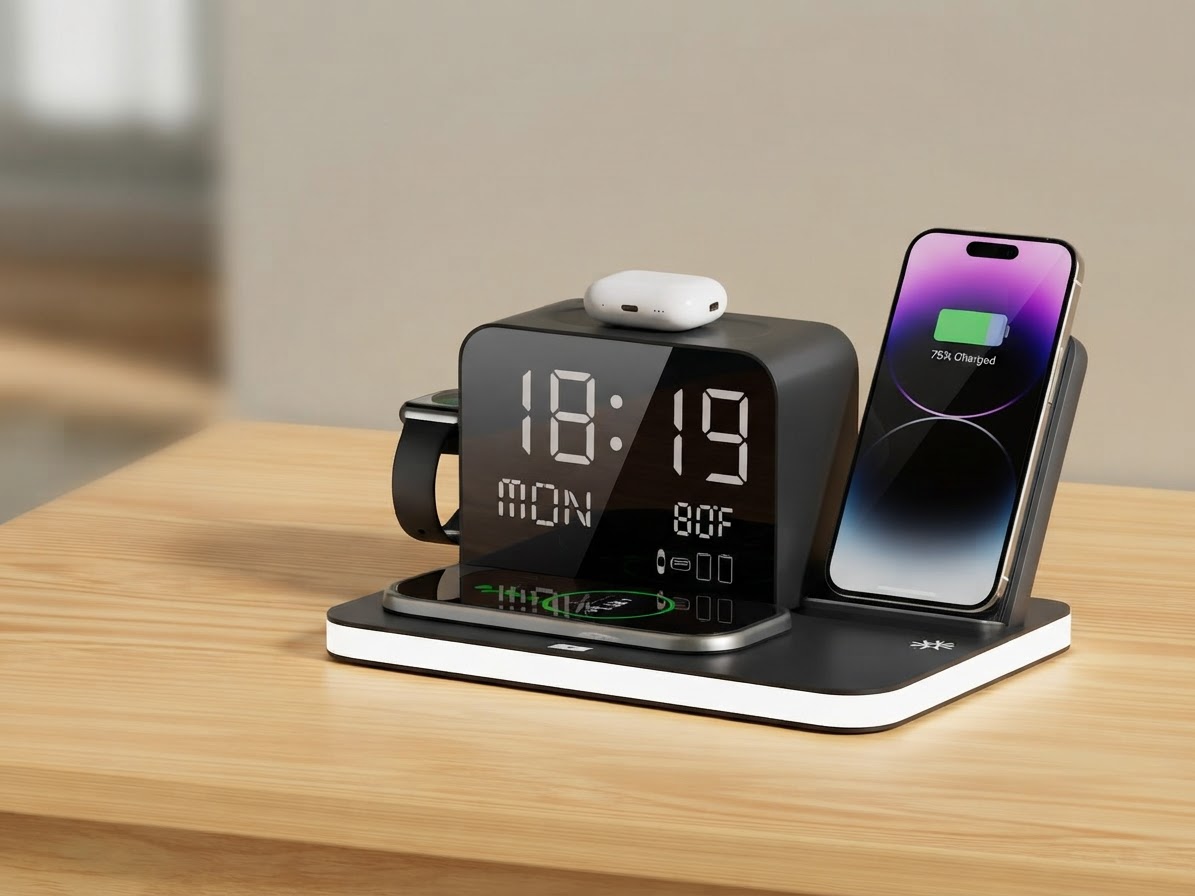
Modern bedside stations like the ChargeDock Plus combine an ambient soft LED light, a clear digital clock, and a temperature display directly into the base structure. This integration frees up physical space on your tabletop while keeping essential nightstand information visible at a glance.
Streamlining Your Bedside Setup with ChargeDock Plus
If you want to eliminate cable chaos entirely, the ChargeDock Plus (Acer 7 in 1 Wireless Charging Station) provides a complete all-in-one answer. Designed specifically for modern bedroom setups, it charges two smartphones wirelessly at the same time, has a dedicated spot for wireless earbuds, and supports compatible smartwatches.
In addition to wireless pads, it offers an extra wired charging port for secondary devices, ensuring full versatility. With built-in soft LED ambient light, a digital time display, and an integrated temperature display, it replaces up to seven individual bedside items and their associated cables with a single elegant unit operating from 9V / 12V power at 15W - 30W output.
Related in this cluster
- How to Organize Bedside Charging Cables in 4 Simple Steps
- 5 Practical Nightstand Cable Management Ideas for a Cleaner Bedroom
- Wireless Charging Station vs Cable Hubs: Which Is Best for Bedside?
- The Key Benefits of an All-in-One Bedside Charging Station
- ChargeDock Plus Review: Solve Your Bedside Cable Nightmare
- ChargeDock Plus FAQ: Everything You Need to Know