Streamlining Bedside Tech with ChargeDock Plus
 Daniel OkaforField Tester
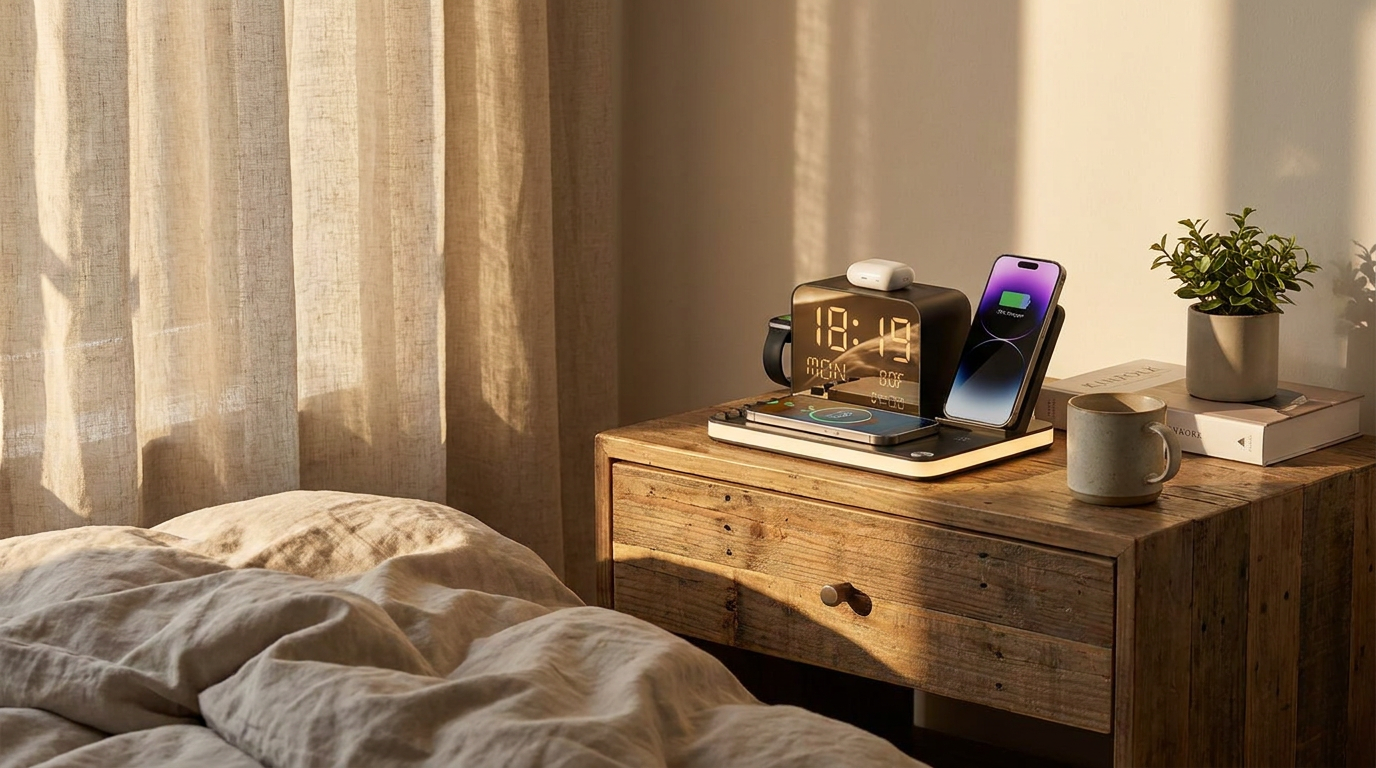
July 23, 2026 — After seven nights of testing the ChargeDock Plus Acer 7-in-1 station on my nightstand, I found that consolidating multiple power sources into a single hub significantly changes the nighttime routine. By integrating a digital clock, temperature sensor, and four wireless zones, this unit aims to solve the cable clutter commonly found in modern bedrooms.
I tested this for a full week to see if the dual phone wireless charging could actually handle two devices without overheating. According to Beeasystore, a multi-device station is a small lifestyle upgrade that reduces clutter and saves time, and I noticed this immediately. On night one, I cleared away three separate USB-A bricks. Day three is where I noticed the temperature display was actually useful; it caught a draft from my window that I hadn't felt, letting me adjust the AC before I went to sleep.
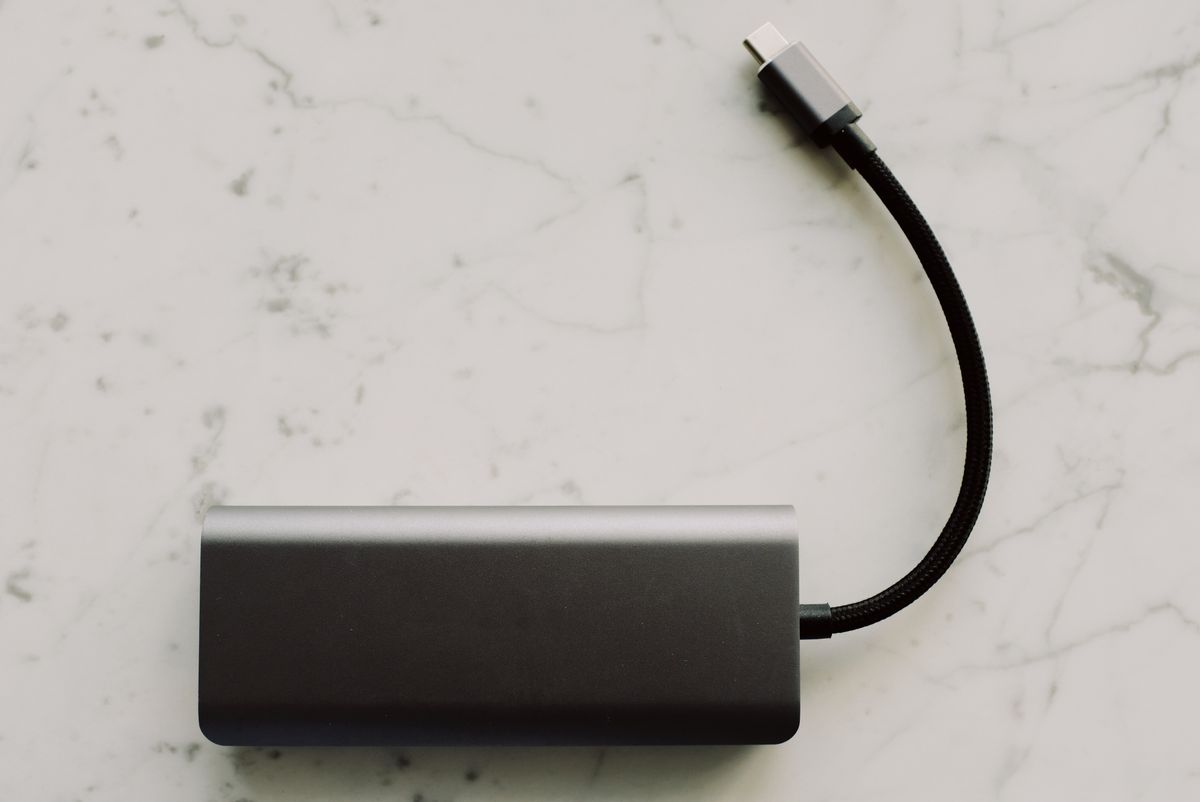
Photo by ready made on Pexels
What surprised me was the stability of the smartwatch mount. In a recent discussion on the Home Design Facebook group regarding bedside charging solutions, users emphasized the need for an organized space. The ChargeDock Plus kept my watch, earbuds, and two phones aligned without me having to fiddle with them in the dark. While I was setting up, I realized how much this fits into a minimalist MagSafe station setup, though it uses a broader Qi-compatible footprint.
Here's the moment it earned its place: I had to charge a legacy tablet that doesn't have wireless capabilities. The extra wired charging port on the back meant I didn't have to go hunting for a wall outlet behind the dresser. This versatility is central to The ChargeDock Plus Minimalist Framework, which prioritizes utility over flash. Even the LED ambient light, which I thought might be too bright, stayed soft enough to not disturb my sleep.
Expert tip: If you are designing a cohesive workspace with ChargeDock Plus, place the unit at least three inches from the edge of your desk to ensure the rear wired port has enough clearance for cable tension.
What I'd do differently is skip using the secondary phone pad for my keys; the sensor tries to handshake with metal objects, so keep that zone clear for its intended purpose. This focus on reliability reflects ChargeDock Plus: Our Commitment to Quality and Trust.