
3-Step ChargeDock Plus Minimalist Desk Integration
 Maya ChenContributing Editor
August 3, 2026 — The shift toward visual silence in office design has positioned the ChargeDock Plus as a central component for users seeking to eliminate desktop clutter without sacrificing device accessibility.
The conventional wisdom says that any wireless stand qualifies as a minimalist tool, yet the reality of cable drag and thermal throttling often contradicts the aesthetic goal. According to Save Spend Splurge, the most effective desktop charging solutions are those that remain light and slim, specifically avoiding the irritation of redundant cables by utilizing built-in functionality. For the ChargeDock Plus, this means leveraging its integrated footprint to replace the standard tangle of USB-C and Lightning cords that typically migrate across a workspace. While many users prioritize raw wattage, the primary value of a dedicated dock lies in its ability to anchor a device in a fixed geometric plane, reducing the cognitive load of searching for a charging sweet spot.
The Three-Point Alignment Method
Successful integration of the ChargeDock Plus requires a departure from the "drop and go" mentality that leads to disorganized surfaces. First, users must establish a fixed tether point. By routing the primary power cable through a desk grommet or under-desk tray, the ChargeDock Plus maintains a static position, preventing the sliding common with lighter, non-weighted plastic stands. Run the math: a standard smartphone weighs between 170 and 240 grams; if the dock lacks sufficient base density or a high-friction silicone grip, the act of docking becomes a two-handed task, which defeats the purpose of a minimalist workflow. Second, the dock should be positioned at a 45-degree angle relative to the primary monitor to facilitate biometric unlocking without requiring the user to lean forward or pick up the device. This specific orientation preserves the ergonomics of the workspace while keeping notifications within the peripheral vision. Third, cable management must be absolute. The ChargeDock Plus utilizes a single-entry power design that allows for clean routing. When compared to multi-device mats that often require high-clearance power bricks, this single-cable approach minimizes the visual noise behind the monitor. Proper execution results in a workspace where the phone appears as a floating interface rather than a tethered peripheral. This setup directly addresses the common challenges found when selecting which minimalist desk phone charger dock fits my workspace and ensures that the hardware performs as an extension of the desk itself.
Expert tip: To maximize longevity and charging speed, ensure the power adapter paired with the ChargeDock Plus matches the dock's maximum input rating exactly; using an underpowered brick leads to intermittent handshake cycles that degrade battery health over time.
Maintaining a clean aesthetic requires constant vigilance against accessory creep, a topic further explored in our guide on optimizing workspaces with ChargeDock Plus integration. Users who master this 3-step setup will find that the minimalist desk phone charger dock becomes an invisible utility rather than a desktop distraction. I’ll change my mind when wireless power delivery becomes truly long-range, but until then, a fixed, high-stability dock remains the only logical choice for a serious professional environment. Achieving this level of order is the baseline for high-output work sessions.
Sources
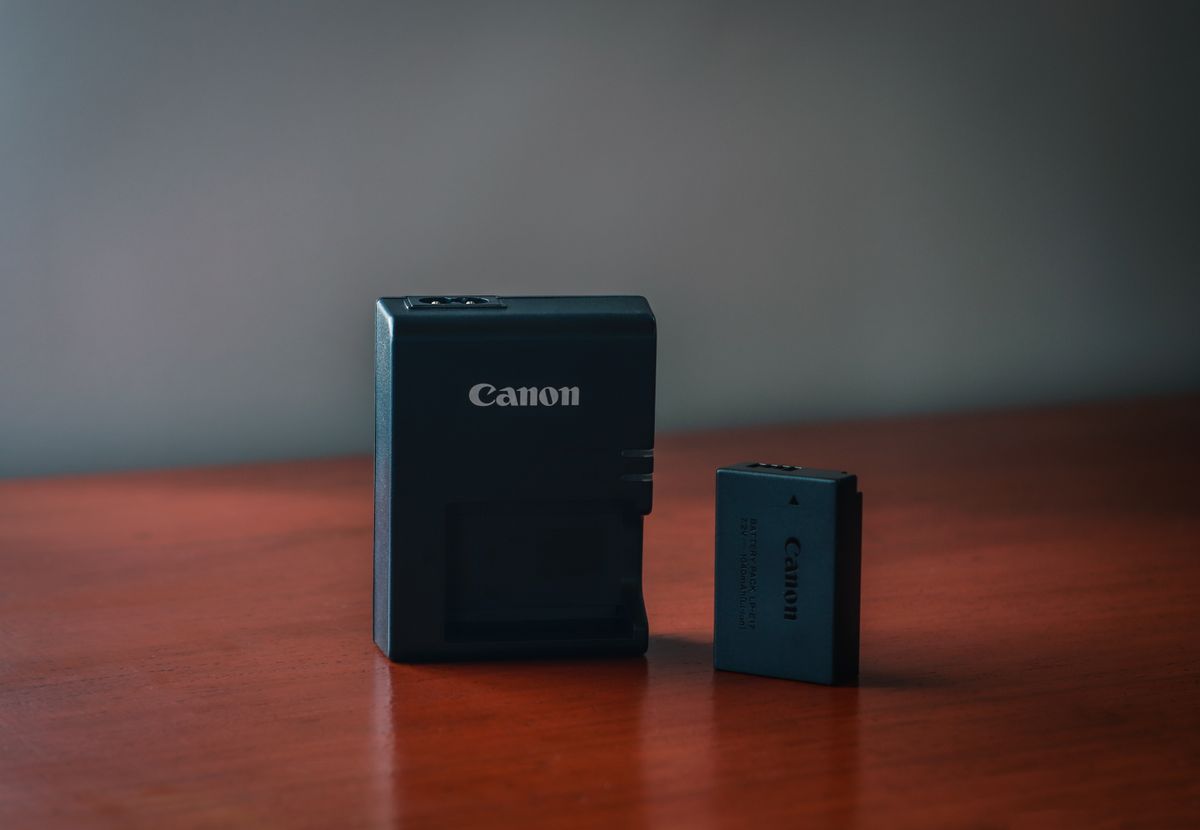
Photo by Harvey Tan Villarino on Pexels
- Minimalist Phone Charger
- Part 7 - Charging station + Docks + Portable chargers
- Wireless Desktop Charging Station