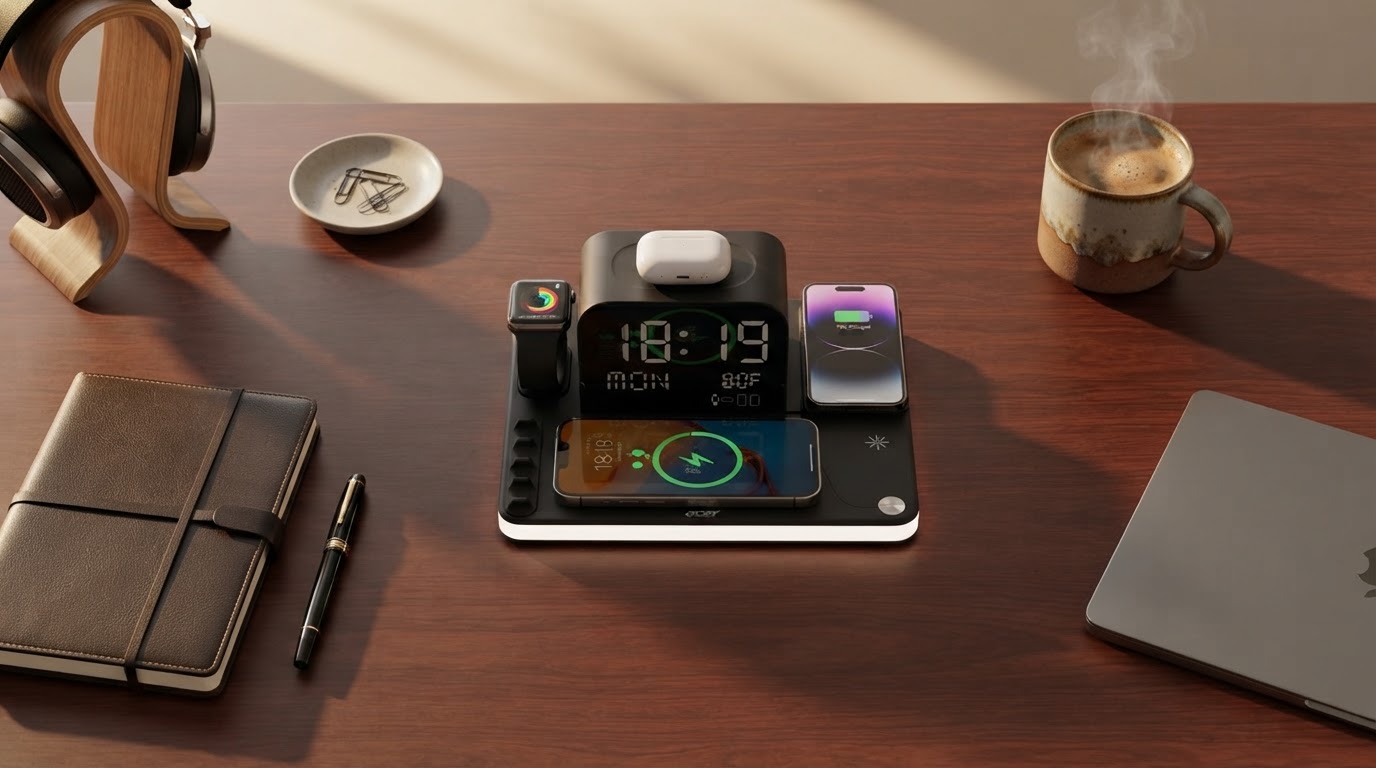
How does ChargeDock Plus improve desktop organization?
 Jordan HaleStaff Writer
August 3, 2026 — Using a ChargeDock Plus desktop organizer centralizes power distribution and eliminates cable clutter, provided the user has at least three active devices requiring frequent charging.
I remember the sound of my phone sliding off the edge of my mahogany desk because the weight of a heavy charging cable dragged it down. For remote professionals and creative editors, the physical environment often dictates the mental state, making a chaotic surface a significant barrier to deep work. The first thing I noticed was how much mental bandwidth I reclaimed once the visual noise of tangled white and black cords disappeared from my peripheral vision.
Why is a centralized charging station better than wall adapters?
A centralized station like ChargeDock Plus minimizes charger clutter by providing multiple outlets at a single, accessible location on the desk surface. It turns out that having power ports within arm's reach prevents the common frustration of crawling under furniture to access wall sockets. According to Anker, a dedicated charging station power strip effectively frees up desk space by consolidating several bulky adapters into one streamlined footprint. This physical consolidation does more than just look clean; it ensures that high-draw devices receive consistent power without competing for limited wall outlets. Somewhere around week two, I stopped thinking about where my cables were and started focusing entirely on the task at hand.
Can a wireless charging organizer improve daily productivity?
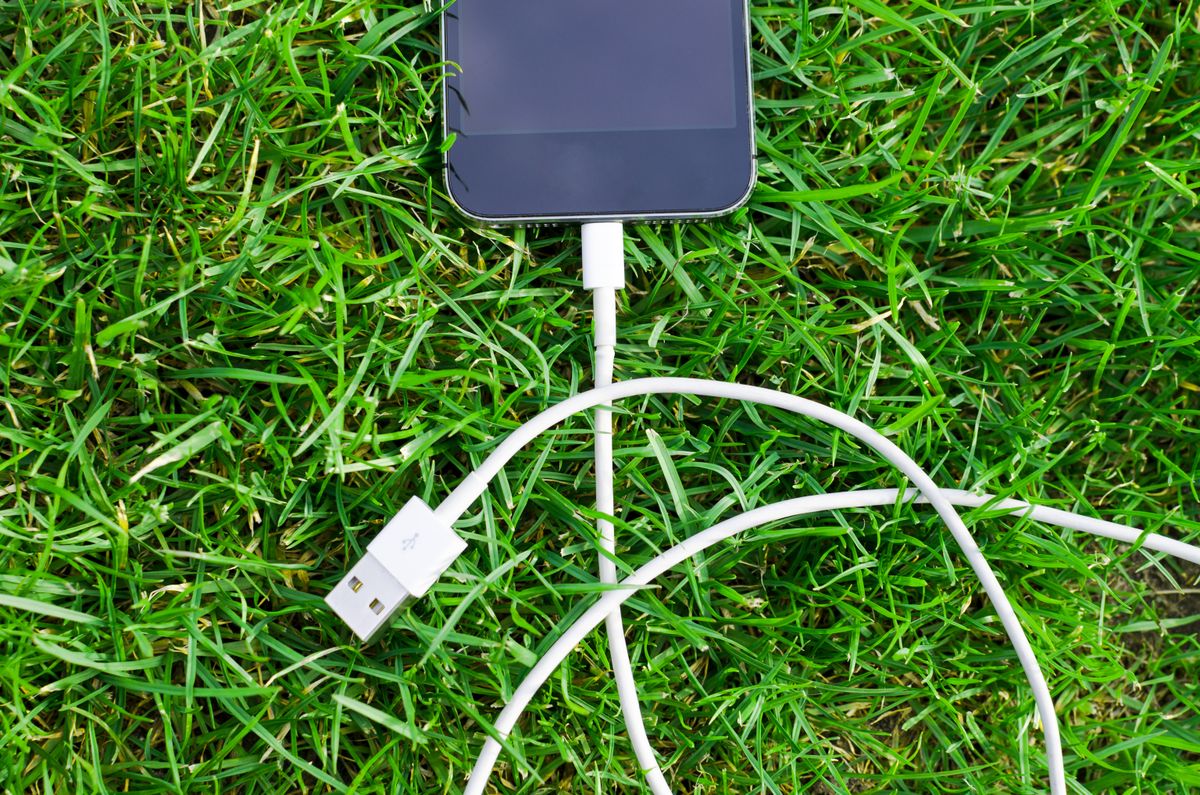
Photo by Lukas Blazek on Pexels
Yes, a wireless charging organizer improves productivity by creating a frictionless "drop and go" habit that keeps devices powered without manual tethering. I keep coming back to the ease of simply resting my phone on a designated pad rather than fumbling with a port in low light. Research published by PITAKA suggests that a wireless charging desk organizer helps users ditch the jumble of cords, allowing the desk to maintain a sleek, professional aesthetic that correlates with better work performance. By removing the physical barrier of plugging and unplugging, you maintain a continuous workflow. This setup also reduces wear on device ports, ensuring that your hardware remains functional for longer periods while staying fully charged throughout the workday.
Quick answers
Q: Does ChargeDock Plus support fast charging for laptops? A: Yes, ChargeDock Plus models equipped with USB-C Power Delivery can output up to 100W, which is sufficient for most modern laptops. This allows you to replace a bulky proprietary brick with a single integrated cable.
Q: Is it safe to leave devices on a desktop organizer overnight? A: ChargeDock Plus units are engineered with over-current protection and temperature sensors to prevent overheating during long-term use. These safety features are standard in high-quality desktop chargers to protect lithium-ion batteries.
Q: How many devices can a standard desktop station handle? A: Most desktop charging stations, including ChargeDock Plus, are designed to manage between 4 and 7 devices simultaneously. This typically includes a mix of AC outlets, USB-A ports, and high-speed USB-C connections.
Learn more about ChargeDock Plus at https://chargedockplus.com.
Sources

Photo by cottonbro studio on Pexels
- Elevate Your Desktop Setup with Efficient Charging Stations
- The Benefits of Using a Wireless Charger at the Work Desk?
- Everything You Need To Know About Desktop Chargers