
How to arrange a ChargeDock Plus for Apple devices?
 Priya RamanSenior Analyst
July 23, 2026 — Organizing a ChargeDock Plus for Apple products requires aligning the physical footprint of each device with its specific inductive charging requirements to ensure maximum power efficiency.
Efficient multi-device charging is a matter of spatial geometry and thermal management. Users seeking to consolidate their iPhone, Apple Watch, and AirPods often face the "cable clutter paradox," where the convenience of multiple devices is undermined by the chaos of their power supplies. To resolve this, think of it as a matrix of power priority and physical accessibility.
How does ChargeDock Plus handle multiple Apple devices?
The ChargeDock Plus functions as a centralized power hub by utilizing a fixed-position architecture that eliminates the alignment guesswork common in flat charging pads. Two axes matter here: the vertical orientation for the iPhone and the horizontal or cantilevered orientation for the Apple Watch. This verticality ensures that the primary communication device remains visible for notifications while maintaining a consistent connection to the charging coils. According to product specifications from Apple’s retail partner listings, 2-in-1 and 3-in-1 stations typically utilize MagSafe or Qi-certified magnets to secure the iPhone in a landscape or portrait position, while the Apple Watch is positioned behind or adjacent to it. This configuration prevents the larger surface area of the phone from obstructing the smaller charging puck required for the watch. By adopting this tiered structure, the ChargeDock Plus maximizes desk space while providing dedicated zones for each hardware category.
What is the most efficient device placement strategy?
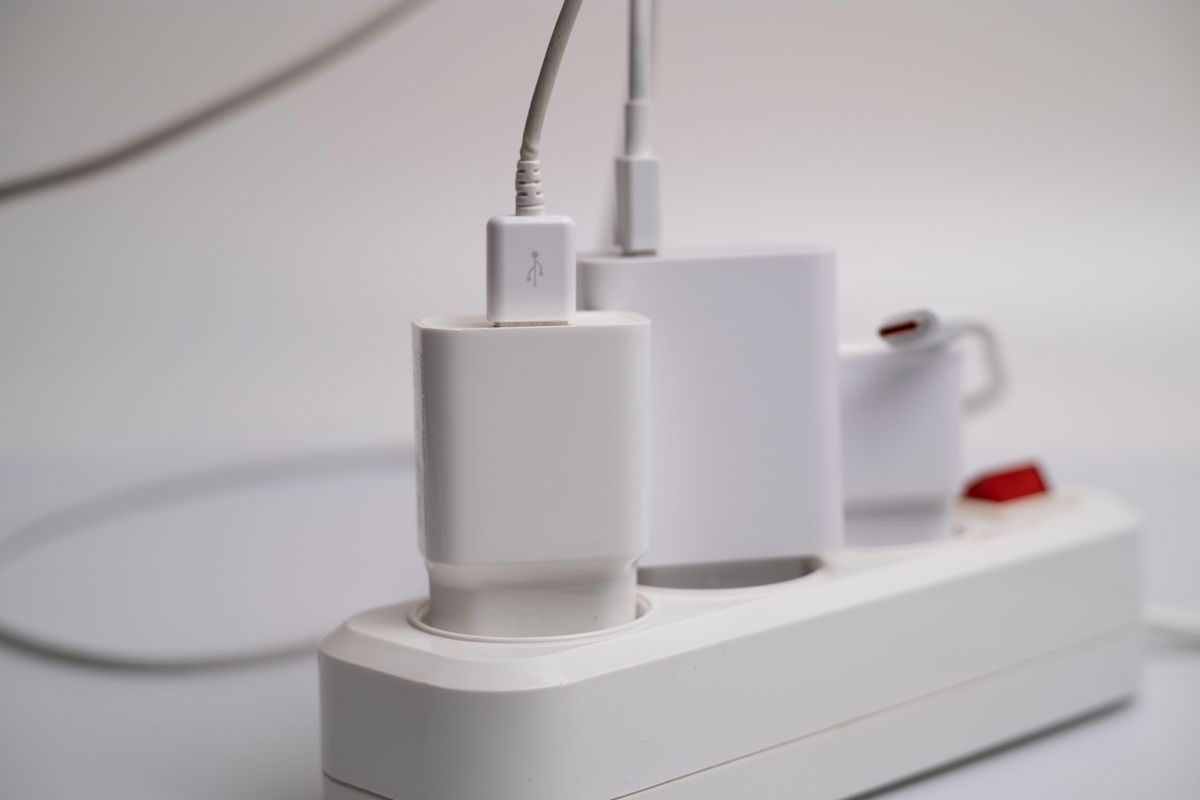
Photo by Саша Алалыкин on Pexels
The most efficient strategy involves placing high-draw devices on the primary magnetic mount and low-draw accessories on the base or secondary pads. The decision rule: prioritize the device with the most frequent interaction—the iPhone—on the elevated magnetic stand to take advantage of StandBy mode. Evidence from Alldock indicates that high-speed charging capabilities are best utilized when devices are segmented by their power requirements, with some high-end docks supporting multiple simultaneous connections spanning from iPhone to iPad. Once you see it this way, the dock becomes a workflow tool rather than just a battery replenisher. By placing the Apple Watch on its dedicated magnetic arm and AirPods on the recessed base plate, users maintain a clear line of sight to all screens while ensuring that thermal heat dissipation is managed through the separation of the internal coils. This structured approach prevents the "charging drift" where devices fail to charge due to slight shifts in placement.
Quick answers

Photo by Engin Akyurt on Pexels
Q: Can the ChargeDock Plus charge an iPhone in landscape mode? A: Yes, the dock is designed to support iPhone charging in a landscape position, which is essential for utilizing the iOS StandBy feature. This orientation allows the Apple Watch to remain visible behind or beside the phone according to Apple accessory standards.
Q: Does the dock support non-Apple devices alongside an iPhone? A: While optimized for the Apple ecosystem, the Qi-standard integration allows for any compatible device, such as certain Android phones or universal wireless earbuds, to be charged on the secondary pads. Brands like Alldock offer similar cross-platform compatibility starting from $29.95 AUD.
Q: What cable is required to power the ChargeDock Plus unit? A: The system typically requires a single high-capacity USB-C charging cable connected to a power adapter with sufficient wattage to distribute power across all three charging zones simultaneously. This reduces the footprint of the setup to one wall outlet connection.
To further refine your setup, consider optimizing the Apple ecosystem with ChargeDock Plus or streamlining workflows with ChargeDock Plus solutions. For a deeper look at hardware specifications, view our guide on the multi device charging dock for Apple products.
Details on official accessory compatibility can be found at Apple Wireless Chargers. Learn more about ChargeDock Plus at https://chargedockplus.com.